
Guides

All topics
erxes XOS
Sales
Settings
Account
Workspace
Developers
Core Modules
Broadcasts
Documents
Automations
Segments
Contacts
Plugins
Operation
Sales
Frontline
Tourism
Content
Accounting
Agents
Company Brain
Mongolian
Loyalty
1. Signing up
Introduction
- To successfully sign up for Erxes and start using it right away, you need to follow these two simple steps:
1. Create your Global Profile.
2. Create your organization from your Global Profile.
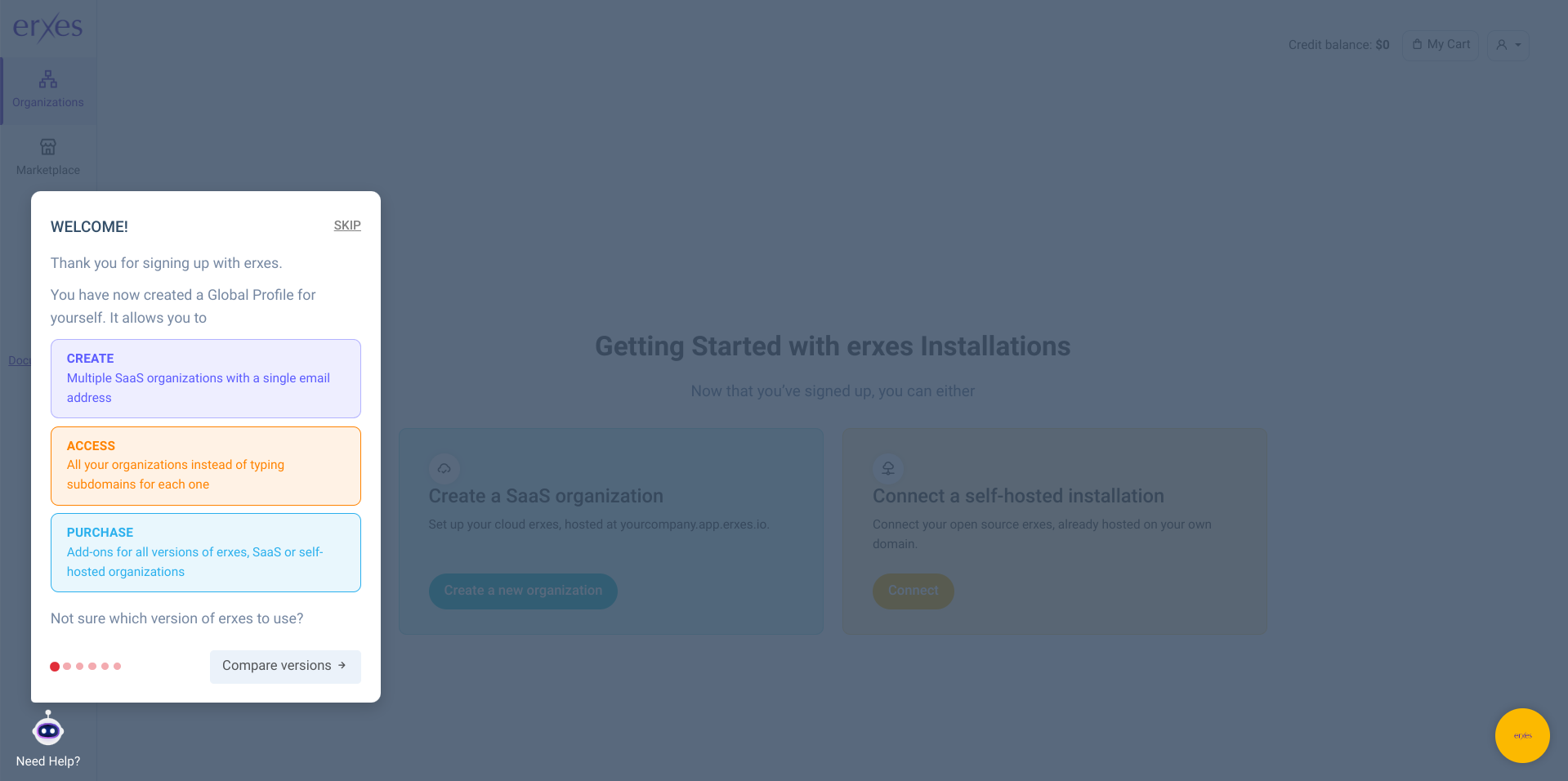
Note: Your Global Profile allows you to manage multiple organizations. Select your desired organization from your Global Profile to proceed to step two.
Step-by-Step Instructions
- Create Your Global Profile:
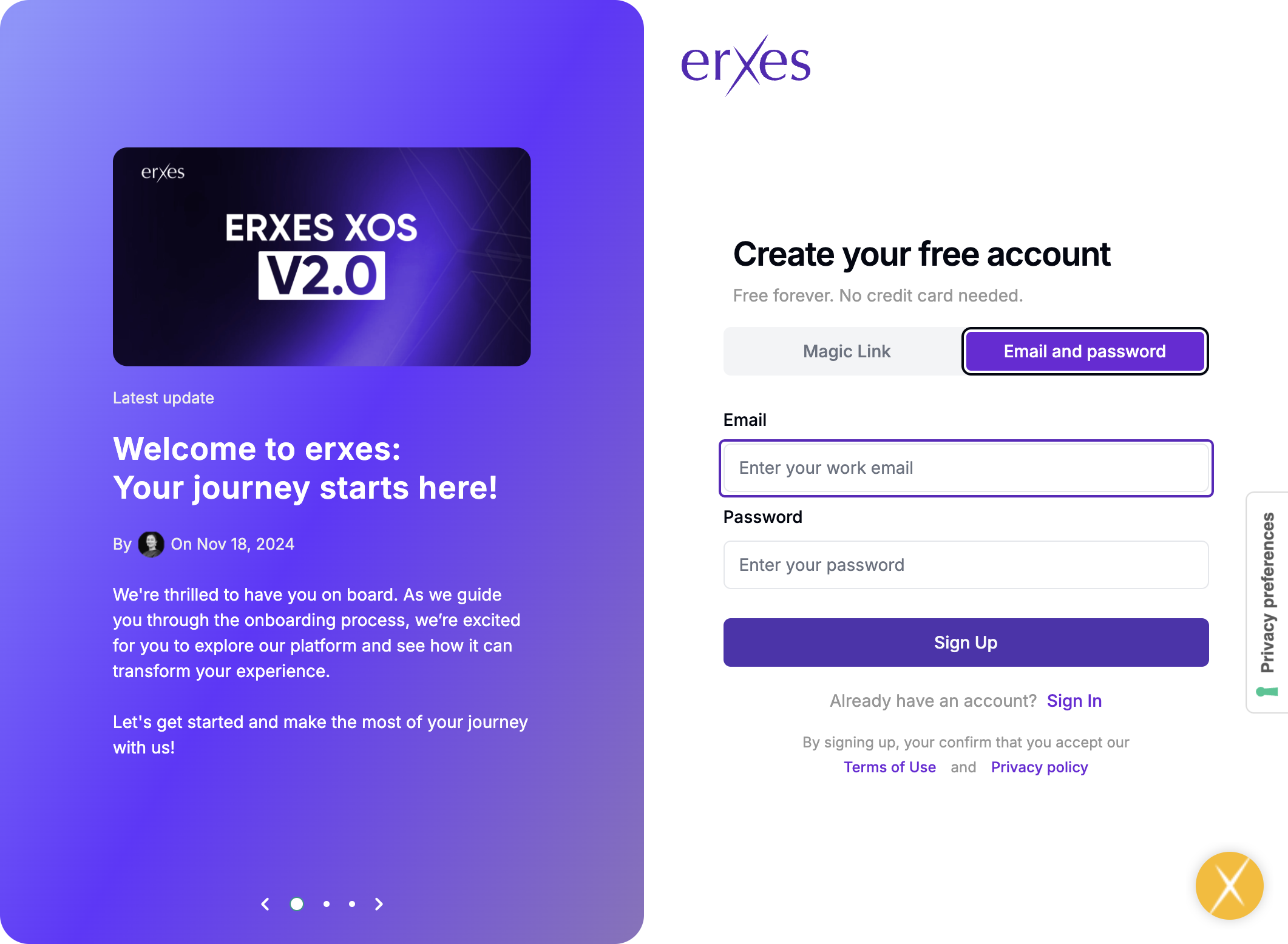
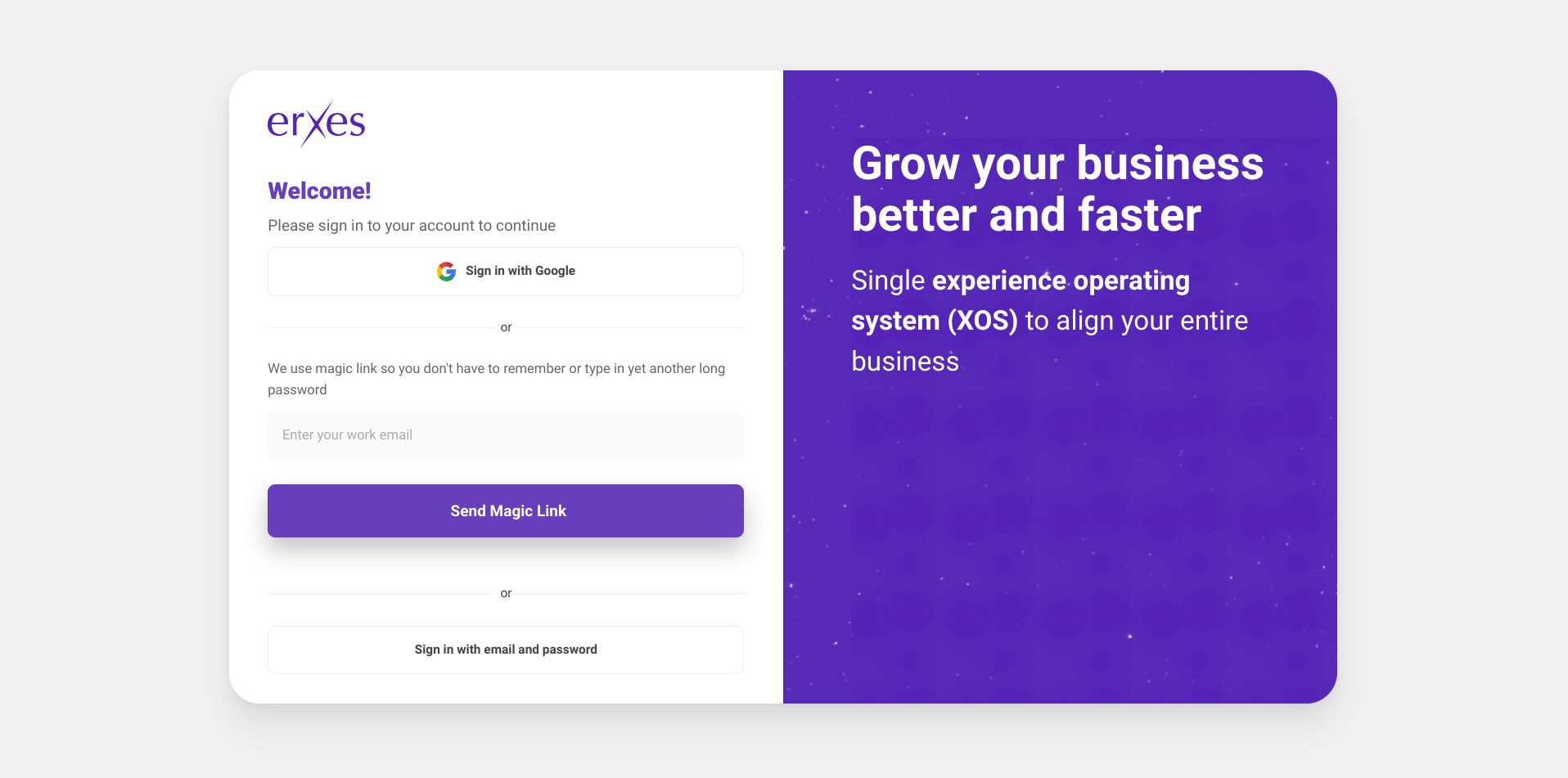
1. Go to https://erxes.io/signup.
- 2. Enter your email address and password (or use the magic link option to sign up).
- Note: This email address will be registered as the owner of your Global Profile.
- 3. Enter the verification code sent to your email.
- 4. Log in with your email and password to complete your Global Profile setup.
- - Create Your Organization
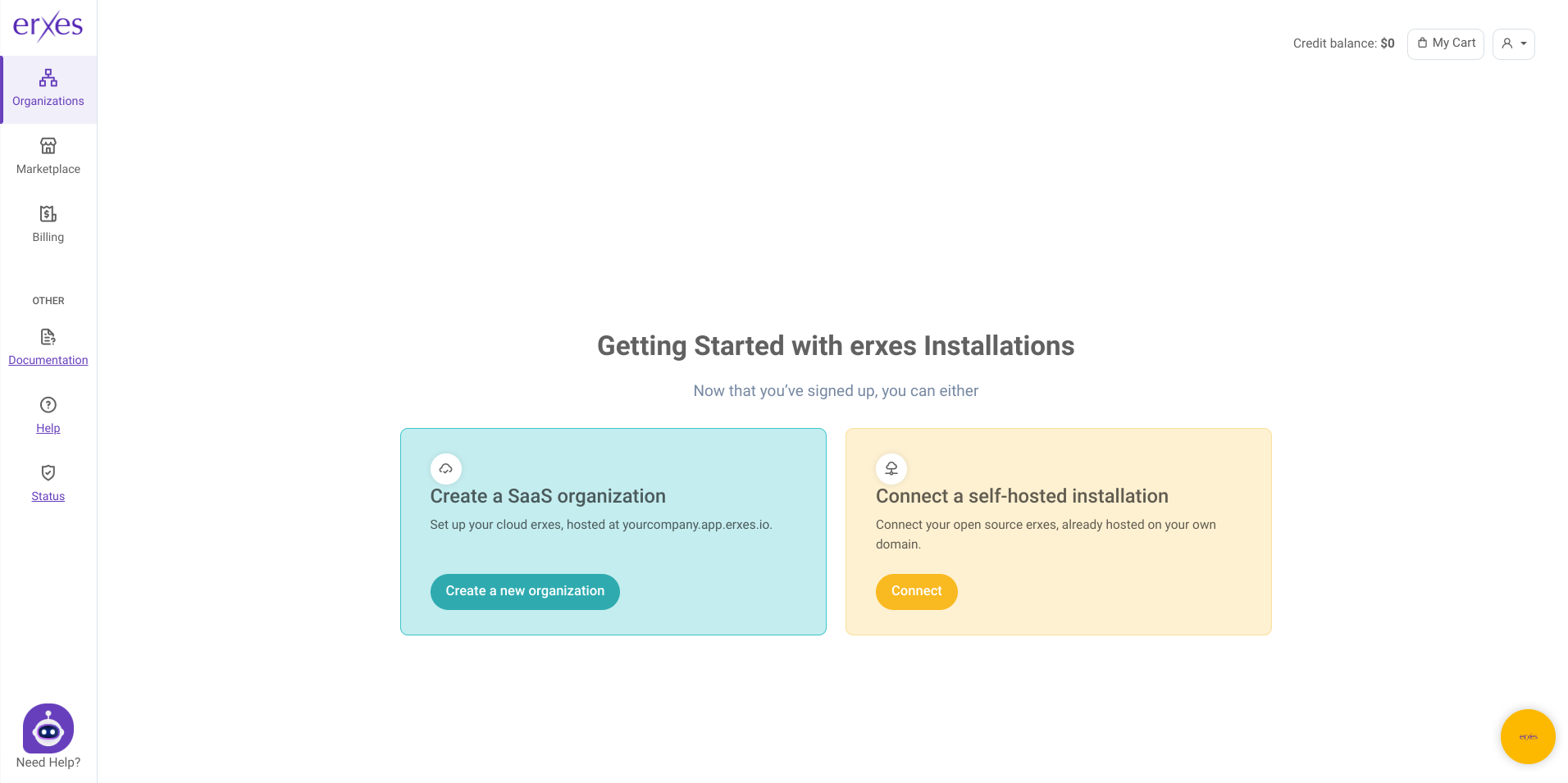
1. Click on “Create a new organization.”
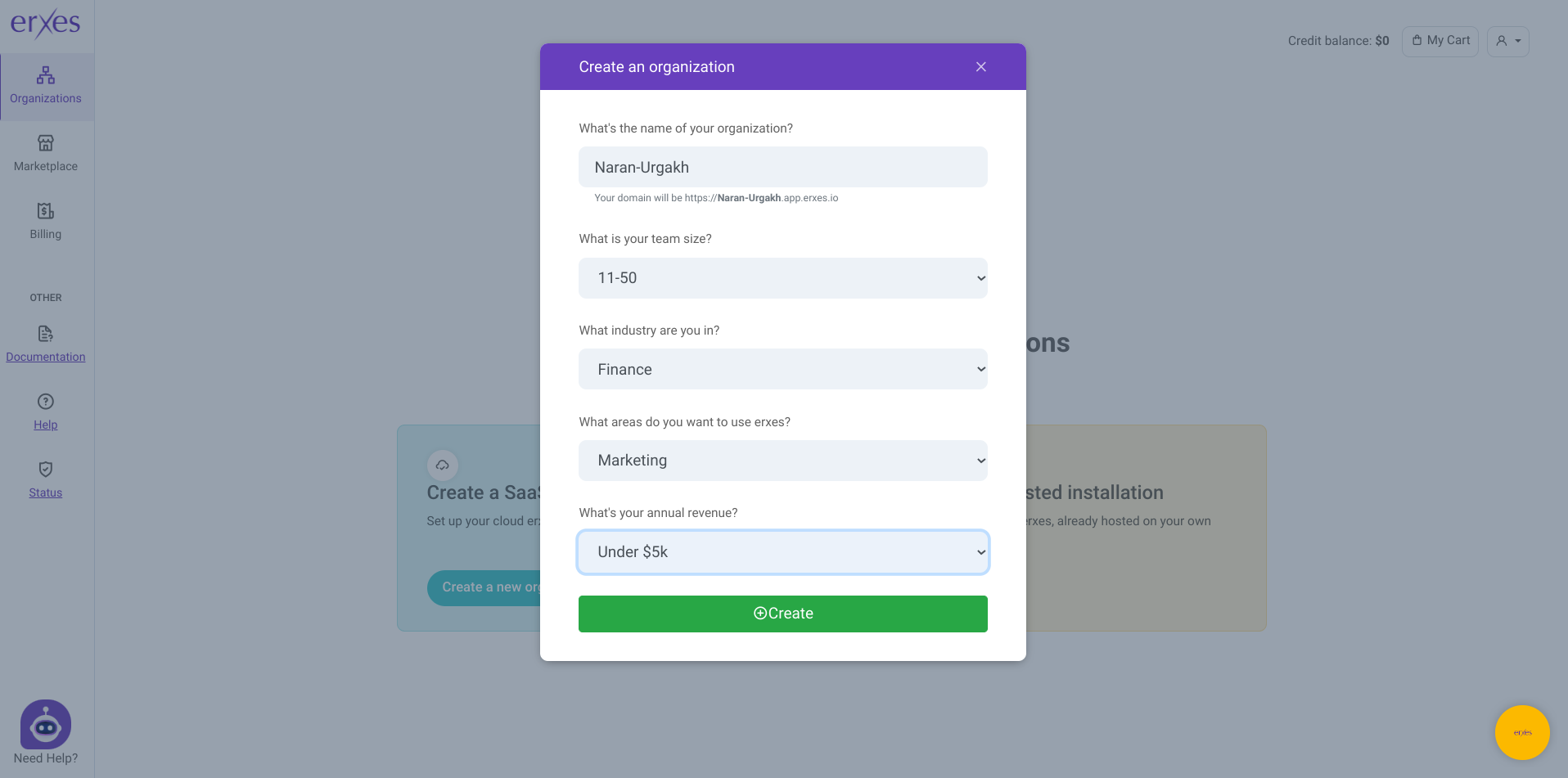
- Enter the name of your organization
- Enter your team size
- Specify your industry and your revenue
- Click on “Create”
- Select your created organization in order to access the log-in page for that specific organization
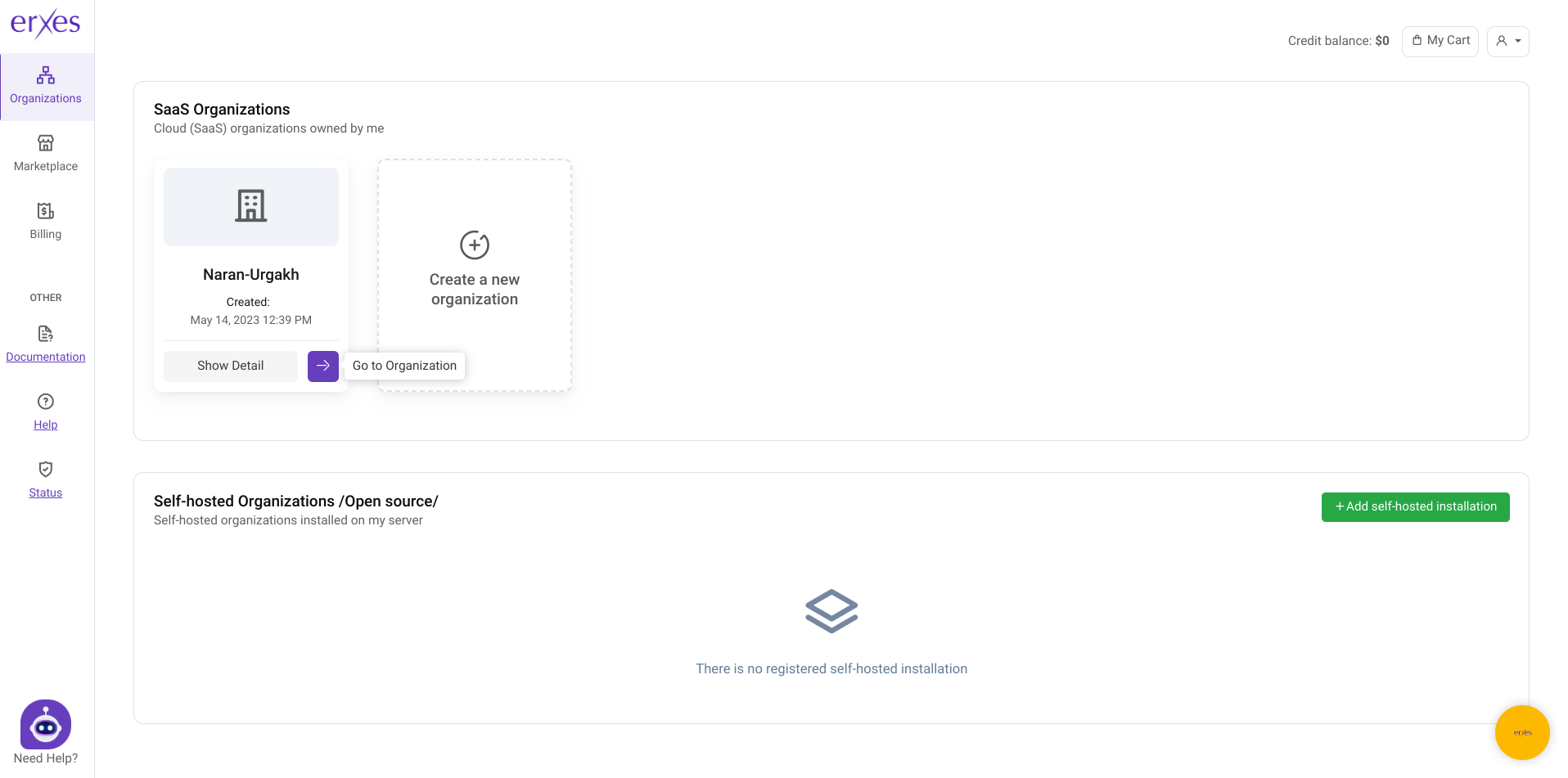
- Log in to your organization by entering the same email address and password used for your Global Profile. Note down your subdomain.app.erxes.io URL that is displayed on the top to access your organization directly in the future without the need to go to your Global Profile unless you want to create a new organization or buy add-ons.
- Enter your full name and desired username after clicking “Next”
- Follow the rest of the guide located on the bottom left corner to set up your erxes!






