
Guides

All topics
erxes XOS
Sales
Settings
Account
Workspace
Developers
Core Modules
Broadcasts
Documents
Automations
Segments
Contacts
Plugins
Operation
Sales
Frontline
Tourism
Content
Accounting
Agents
Company Brain
Mongolian
Loyalty
Connecting Viber
Step 1: Add the Viber Channel
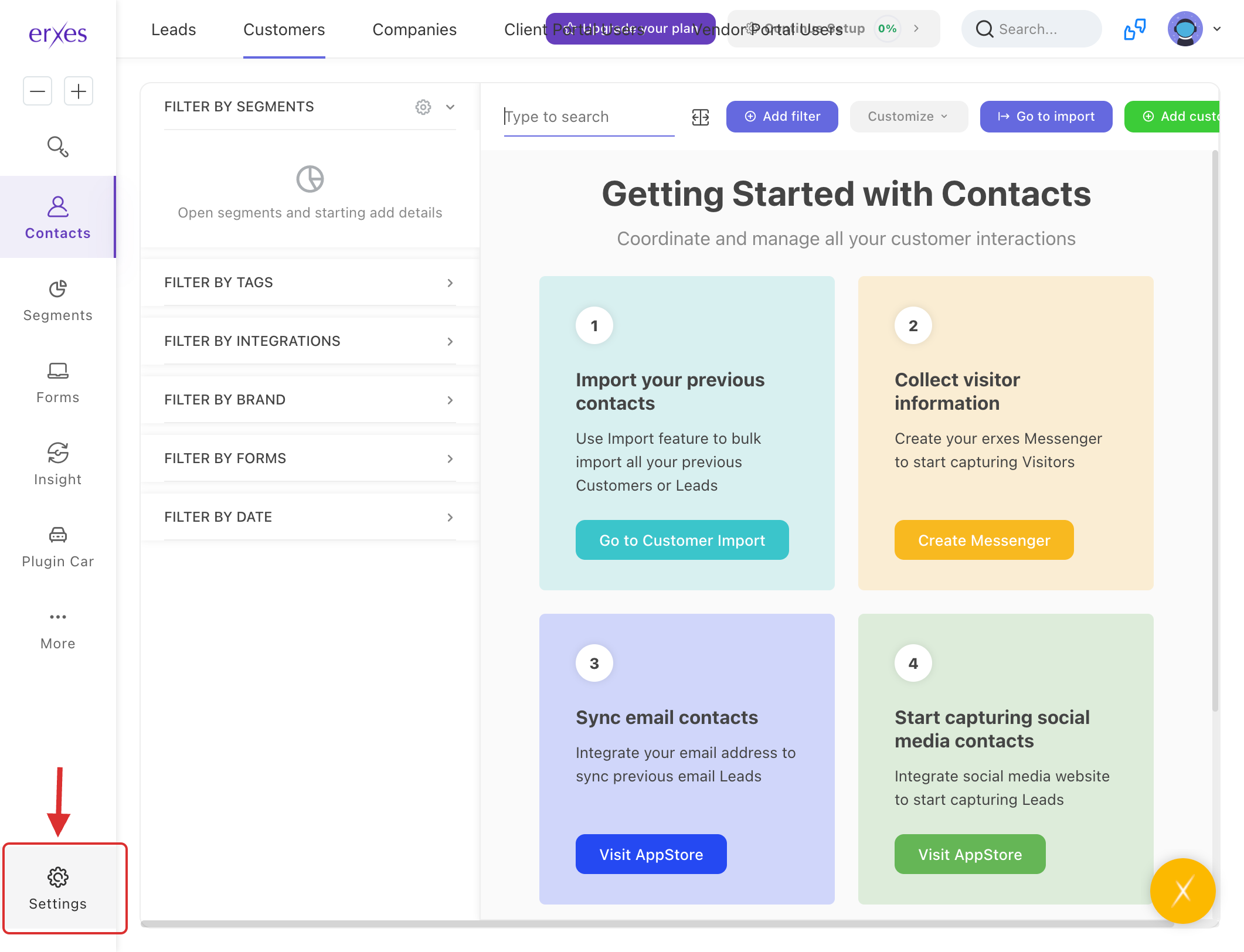
- Go to Settings.
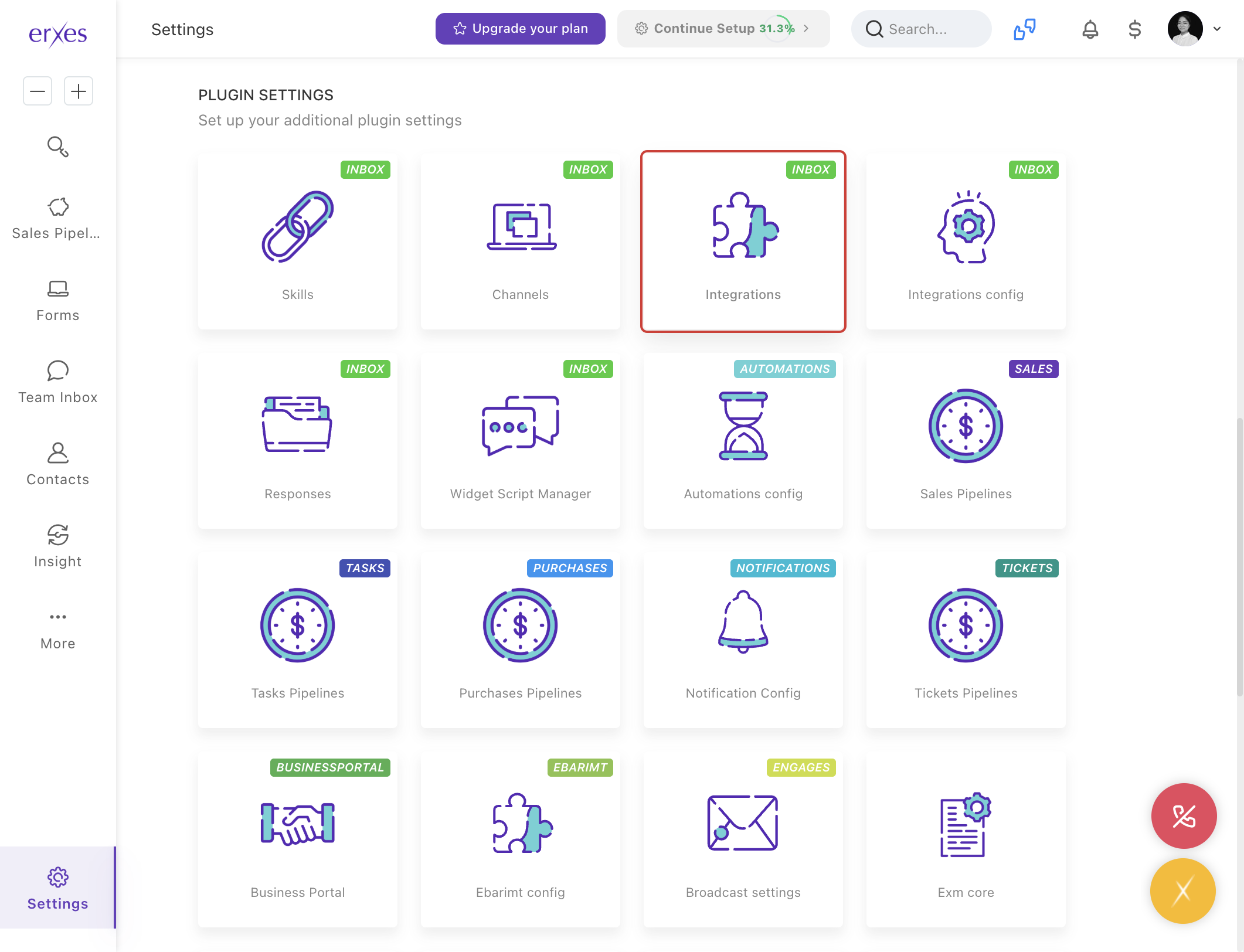
- Navigate to Integration.
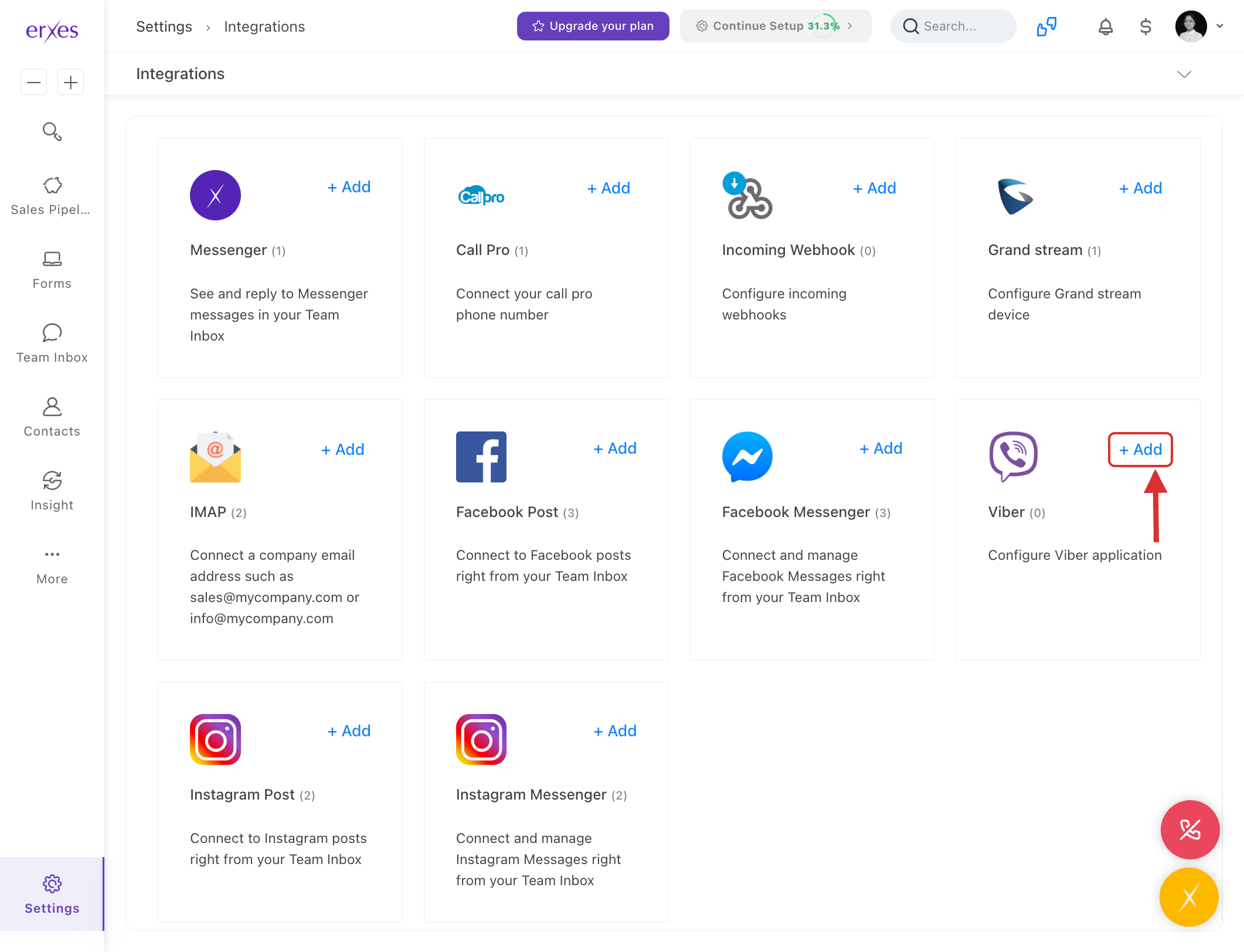
- In the Viber section, click +Add.
- Name:
- Enter a name for your Viber channel (e.g., "[Viber] Business Support").
- Token:
- In the Token section, enter the Viber bot token information.
- If your Viber bot is not created yet, you can create it by visiting Viber's Partner Portal.
- After creating the bot, you’ll receive the Token information. Copy it and paste it into this section.
- Brand:
- Select the brand that you want to connect to.
- Channel:
- Select the channel through which you will communicate.
- Click Save to save the settings.
Step 2: Test the Viber Bot
- Open the Viber app and send a message to the bot you created.
- Go to the erxes Team Inbox window.
- Check if the message you sent is arriving in TeamInbox.
- Write a reply and confirm that the message successfully reaches the user on their Viber app.
Step 3: Troubleshooting (If Viber Messages are Not Appearing in TeamInbox)
1. Check if your erxes account is included in the channel
- Go to Settings → Channel.
- Check if your erxes account name is listed in the Member section.
2. Ensure Channel is selected for Viber connection
- Go to Settings → Integration.
- Click on the Viber section.
- Click the Edit button and make sure the Channel is selected.
This tutorial explains step by step how to connect a Viber channel on the erxes platform. Connecting a Viber channel will allow you to communicate with your users directly via messenger.
Instructions with pictures:
- Go to Settings
- Go to Integration
- Click +Add in the Viber section .
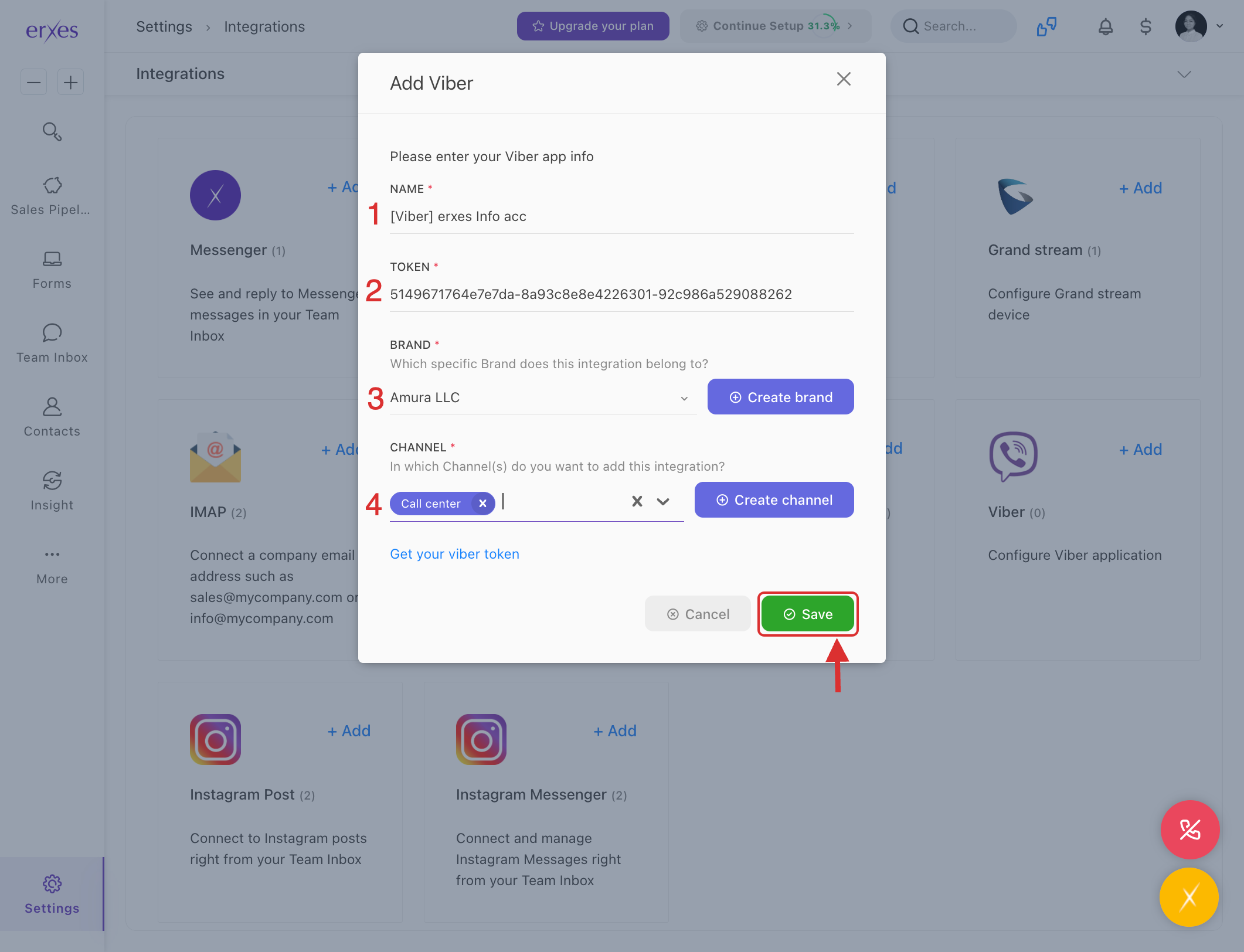
- In the Name field, enter the name of the Viber channel you want to connect to (for example: "[Viber] Business Support")
- Enter the Viber bot token information in the Token section.
- If your Viber bot is not yet created, you can create one by visiting the following link: https://partners.viber.com/
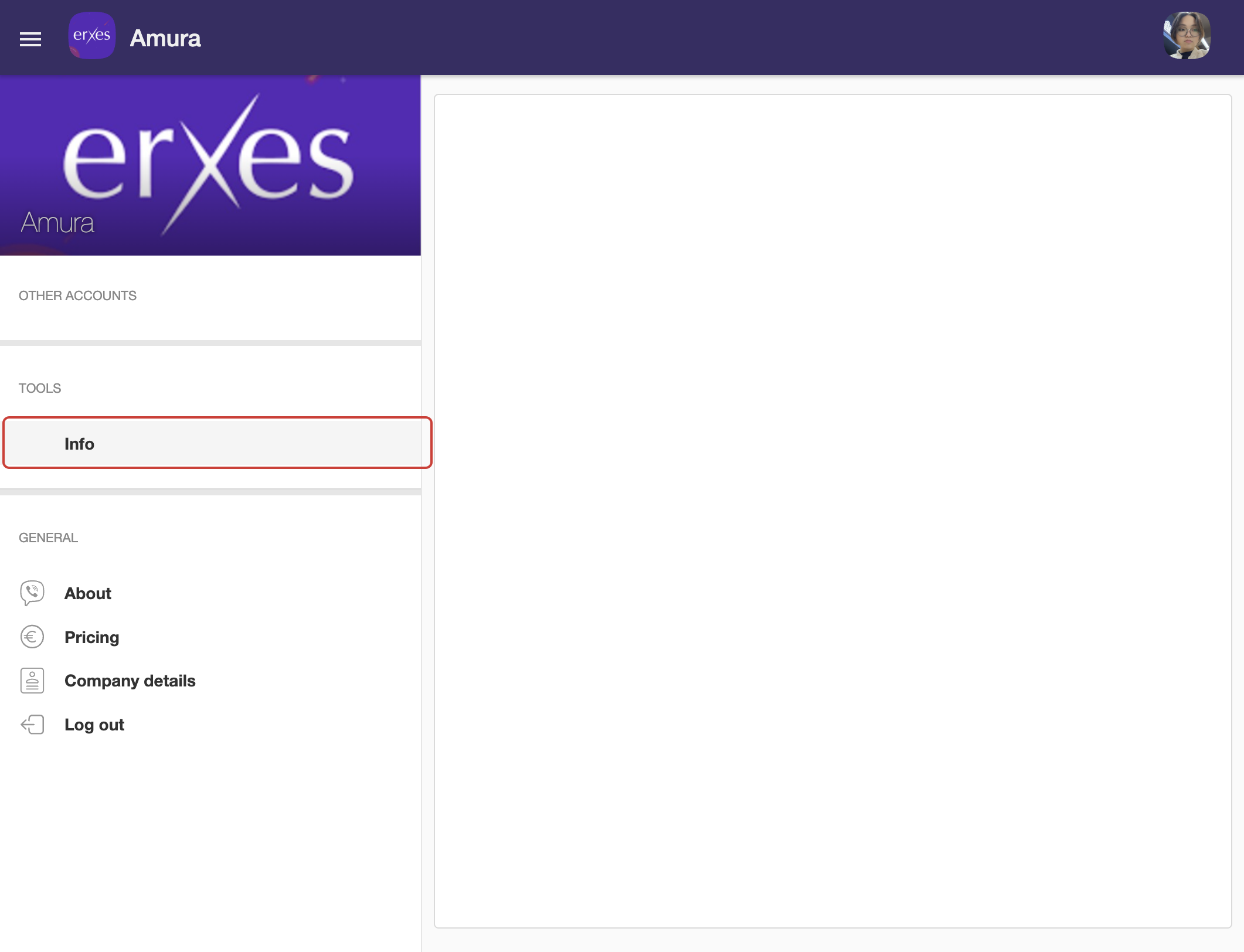
- After creating the bot, the Token information will appear, copy it and enter it in this section.
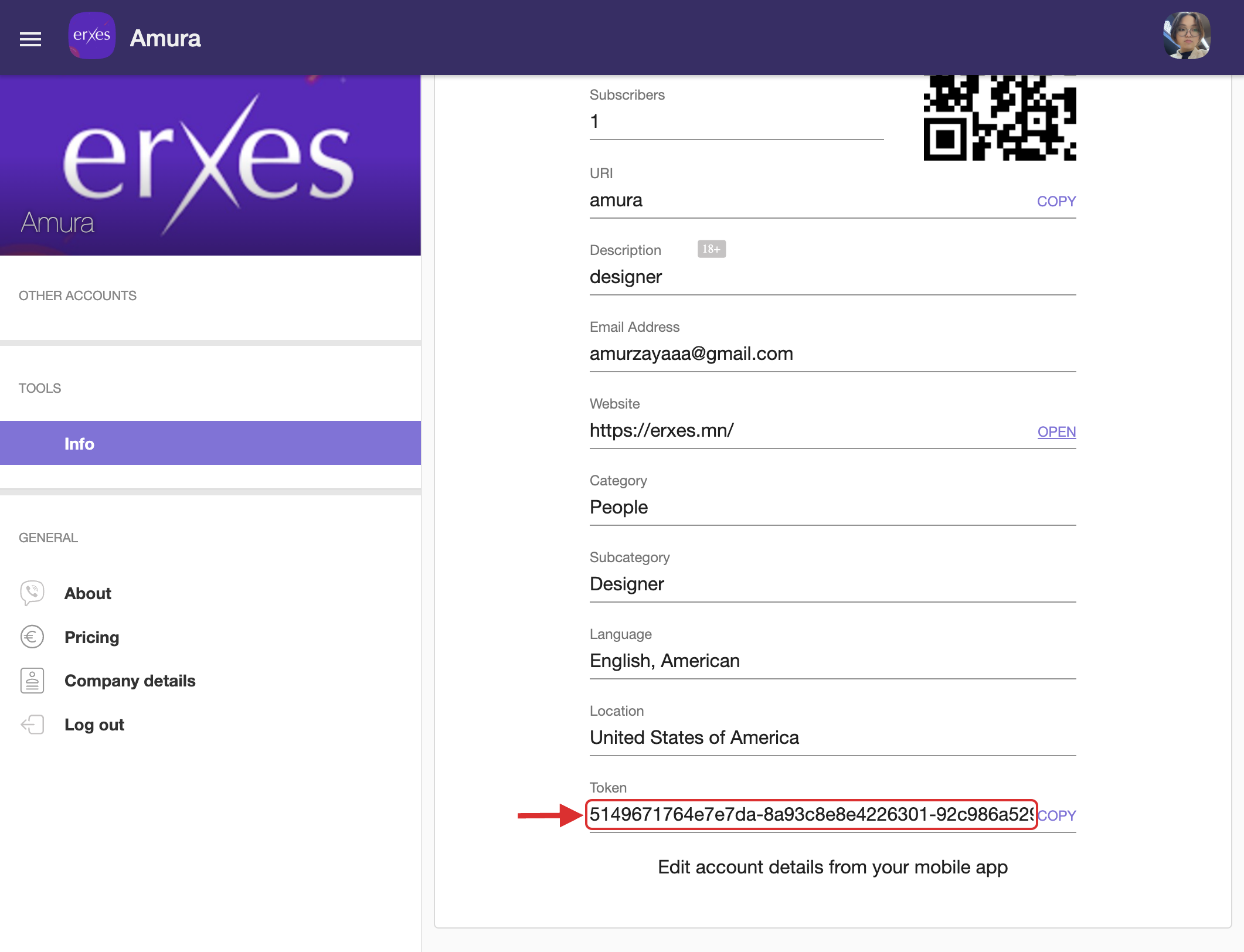
- If your Viber bot is not yet created, you can create one by visiting the following link: https://partners.viber.com/
- Brand – Select the brand to connect to.
- Channel – Select the channel to communicate with.
- Click the Save button to save the settings.
Try it:
- The user will test the bot by sending a message through their Viber app.
- Go to the erxes Team Inbox window
- Check if the sent message is arriving in TeamInbox
- Write a reply and confirm that the message has been sent to the user.






