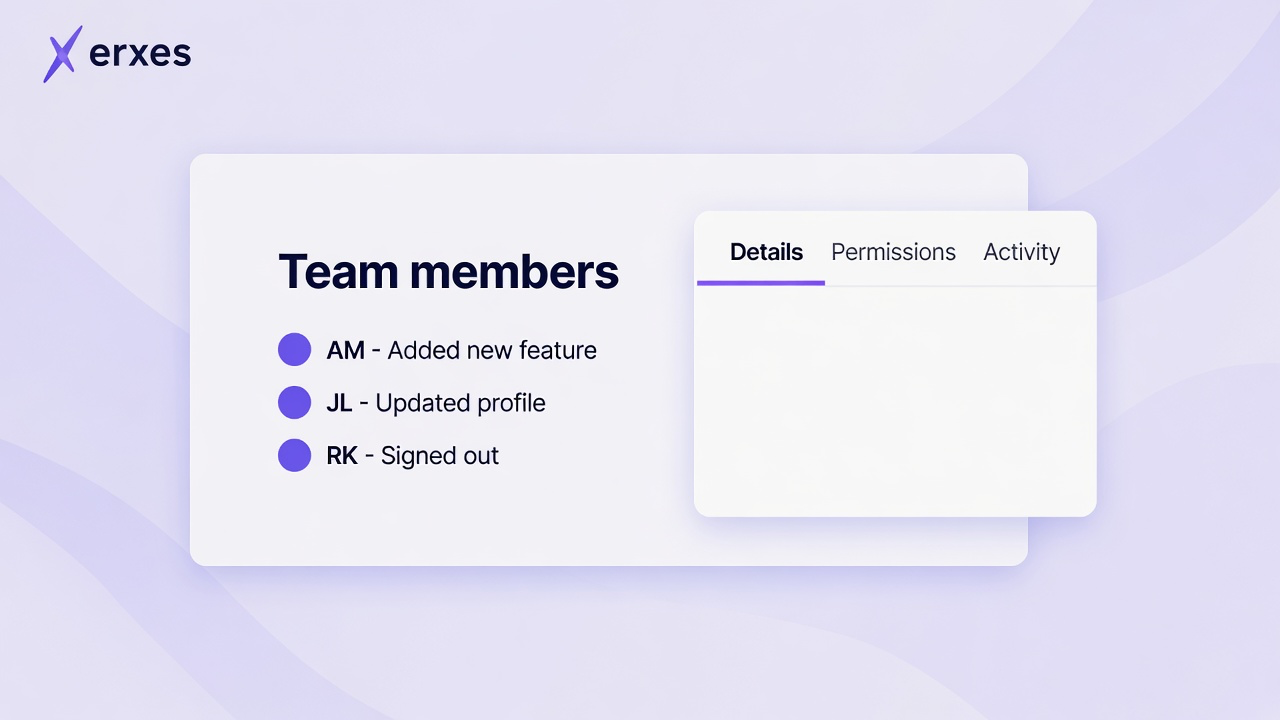
Team member details now open in the side panel, so the member list stays in view.
The panel has tabs for details, permissions, links, properties, and activity. The selected tab is saved in the page address. You can edit profile fields and links directly in the panel, according to your access.
Member actions are grouped into one menu. Depending on your access, this includes printing, permissions, activity logs, password resets, status changes, and invitations.