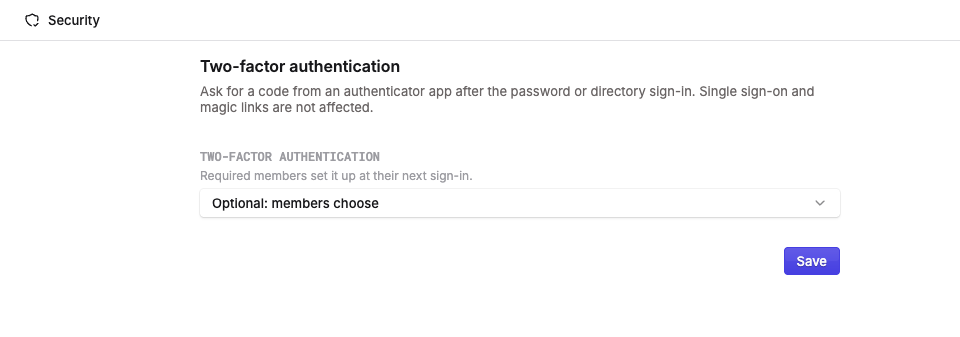
Two-factor authentication adds a six-digit code from an authenticator app after password or Active Directory sign-in. Your team gets an extra check before anyone reaches the workspace.
Admins can choose Off, Optional, or Required in Settings → Security → Two-factor authentication. Required protection can apply to everyone or selected permission groups, with setup prompted at the next sign-in.
Members connect their authenticator app from their account settings and receive 10 one-time recovery codes. If someone loses access to their authenticator, an admin can reset their two-factor setup.
Single sign-on, magic links, and SaaS handoff sign-ins are not affected by this setting.
Available in erxes v3.4.7, released October 29, 2026.